 •••••••  •••••••  •••••••  •••••••  ••••••• 
|
||||||||
|
. Sigma 50-120 2.8 DC OS ContemporaryFor Canon R Series APS-C Cameras Peter Kun Frary. .
|
 Compatibility
 Construction
 Zoom and Control Rings
 Manual Focus

 Control Ring Mapping
 AF pattern selection (limit AF areas).

 ,
 ,
 ,
 , etc.
 Autofocus
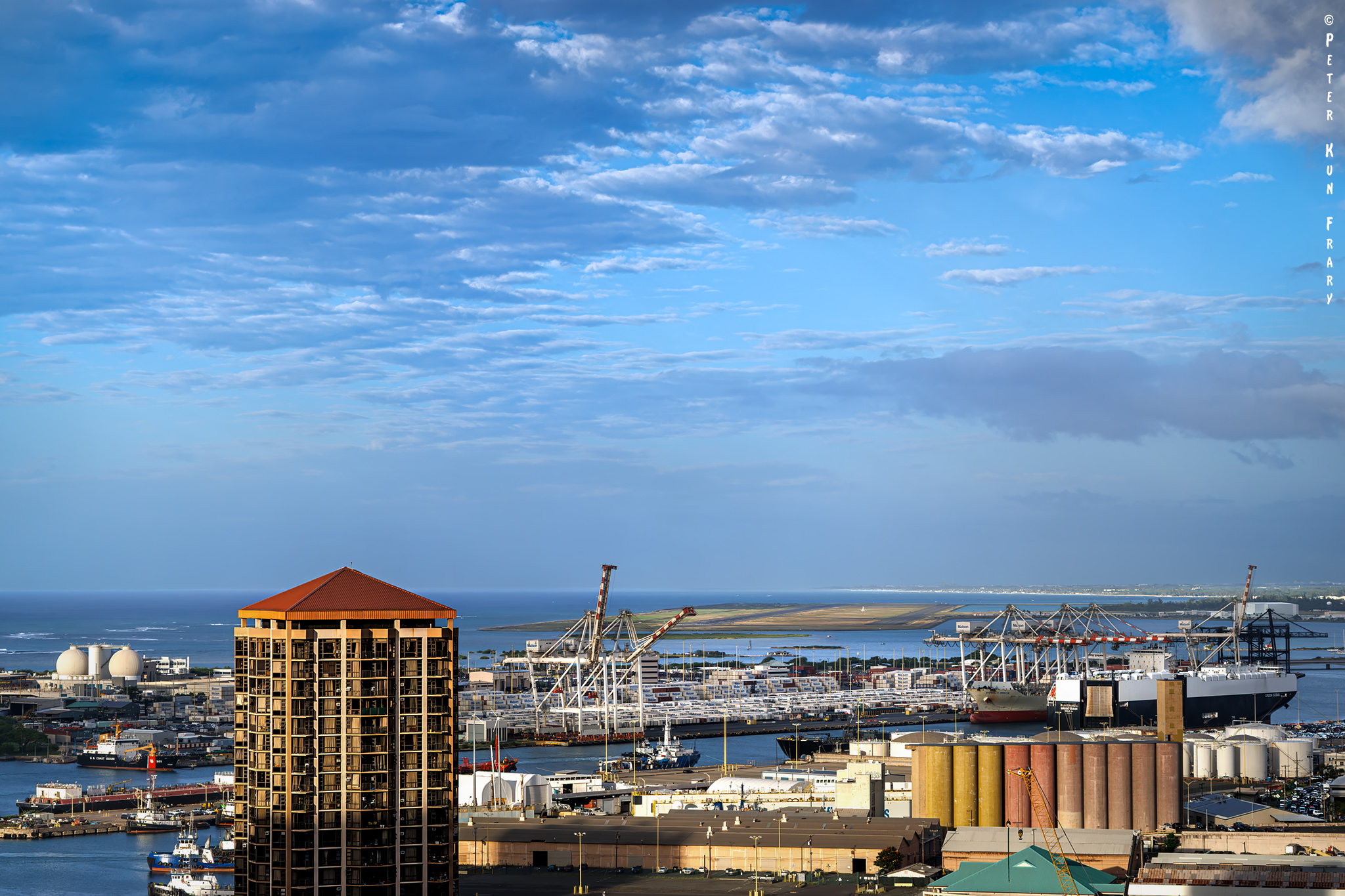
 Image Quality
 |
 |
Quasi Macro
Closeup focusing just barely bumps up against the macro range with .33x at 50mm, close enough for flowers and small products. Sadly, at 120mm, magnification is only .21x. At these quasi-macro distances, contrast and sharpness are very good for a compact zoom. The corners are a bit softer than at infinity, but no biggie for centered subjects. Bokeh is pleasantly smooth even at F5:
Urban Flora | R7 & Sigma 50-120 2.8 DC OS | 50mm, F5, 1/250 sec., ISO 100

Aberrations
For in-camera JPEGs, the lens profile is automatically applied, so distortion, vignette, and chromatic aberration (CA) are not visible. RAW image files are automatically corrected in computer software when edited in Lightroom, DPP4, and other RAW platforms. Nevertheless, CA is well-controlled and was not visible to me on my 5K monitor, even with the lens profile disabled in Lightroom Classic.
Coma, the bane of wide zooms, can't be corrected with a lens profile. What is coma? It's a flare-like aberration where sharp points of light in night scenes—stars or distant street lights—are rendered with wings or comet tails. Luckily, coma is well controlled. At F2.8 across the zoom range, points of light along the periphery look like, well, points of light.
Old Sol | R7 and Sigma 50-120 2.8 DC OS | 120mm, F5, 1/500 sec., ISO 100

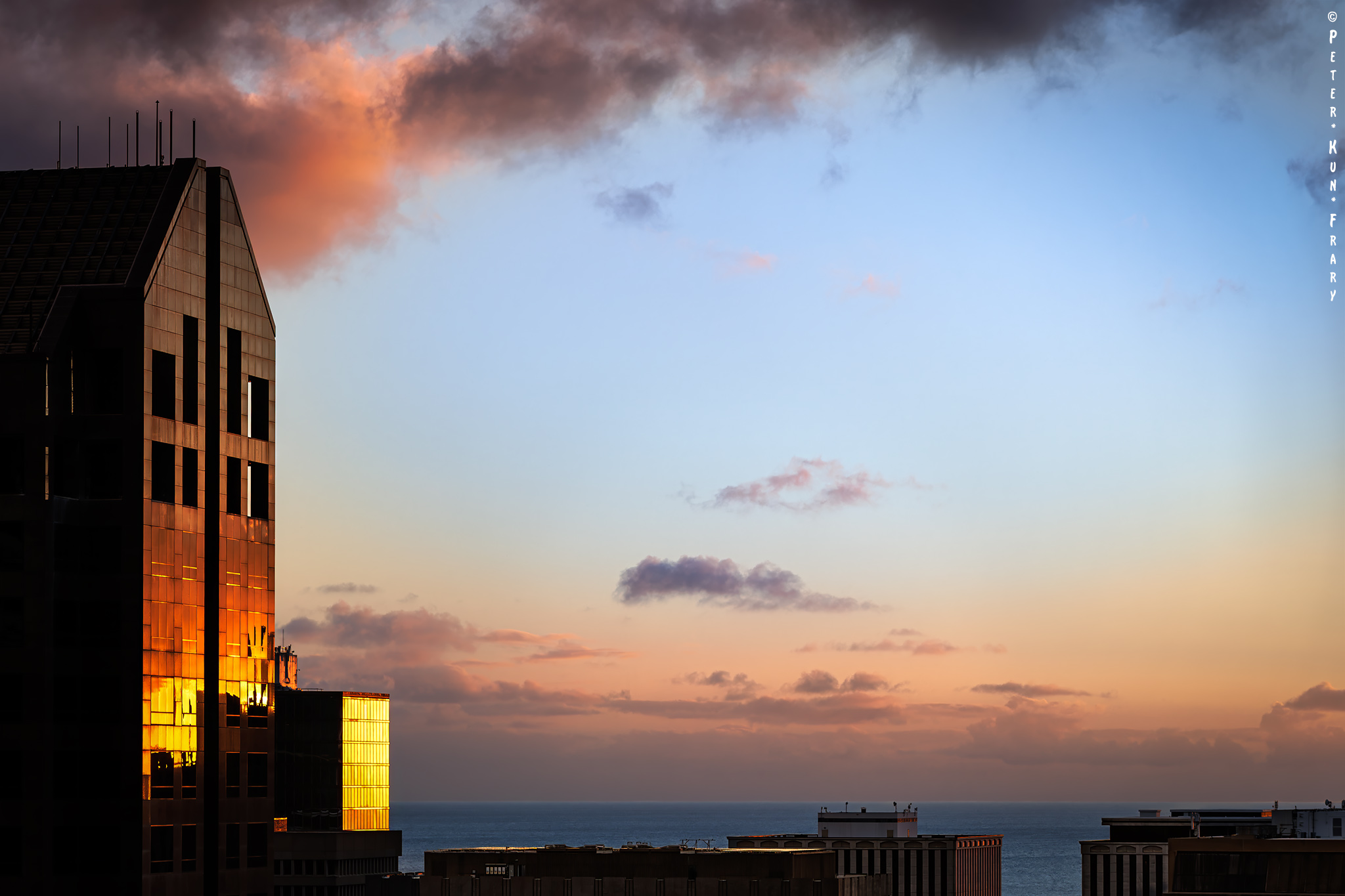
While shooting Hawaiian sunsets and spectral reflections, ghosting and flare are minimal and well controlled. Yes, a bright light, e.g., midday sun, directly in the lens may cause flare, so I keep the hood mounted at all times. Flare resistance is about the same as the Canon EF-s 18-150 3.5-6.3 IS STM and a level below the extremely flare-resistant Canon RF 70-200 4L IS USM. My Sigma “Zen” lenses from decades past were really flare-prone, so I was delighted to see improved flare control in this lens and the Sigma 18-50 2.8 DC DN.
Focus Breathing
A change in a lens's field of view that happens when focus is adjusted is called focus breathing. Sort of a zoom effect without zooming. While focus breathing isn't an issue for still images, it is significant for video. For example, it is desirable that a focus pull from a soft blur to sharp have no resizing of frame coverage and object size in a video clip. Having the frame and objects change size is distracting.
Coach | R7 and Sigma 50-120 2.8 DC OS | 50mm, F7.1, 1/500 sec., ISO 100

My video work is simple—self shooting solo guitar—and I never pull or rack focus. But if you do, this Sigma handles it well. The 50-120 2.8 DC OS has minimal focus breathing—almost nil.
 Image Stabilization
Sigma claims OS provides 6.5 stops of optical stabilization at the wide end and 4.5 stops on the telephoto side. OS integrates with Canon IBIS, but I couldn't find documentation on how much additional stabilization is gained. My guess is one or maybe two stops at the most. I can say that IS and IBIS working together on my R7 resulted in wonderful gimbal-like smoothness for hand-held video. OS and IBIS can't be used separately. Stabilization is either on or off.
Finally, like many lens designs with optical stabilization, including Canon L zooms, the OS mechanism only stabilizes the OS element group while powered on. Once the powered down, the OS element group “floats” and may rattle when moved or shaken. This rattle is normal, but it bothers me since it sounds like a loose screw in the works.
 Lens Hood
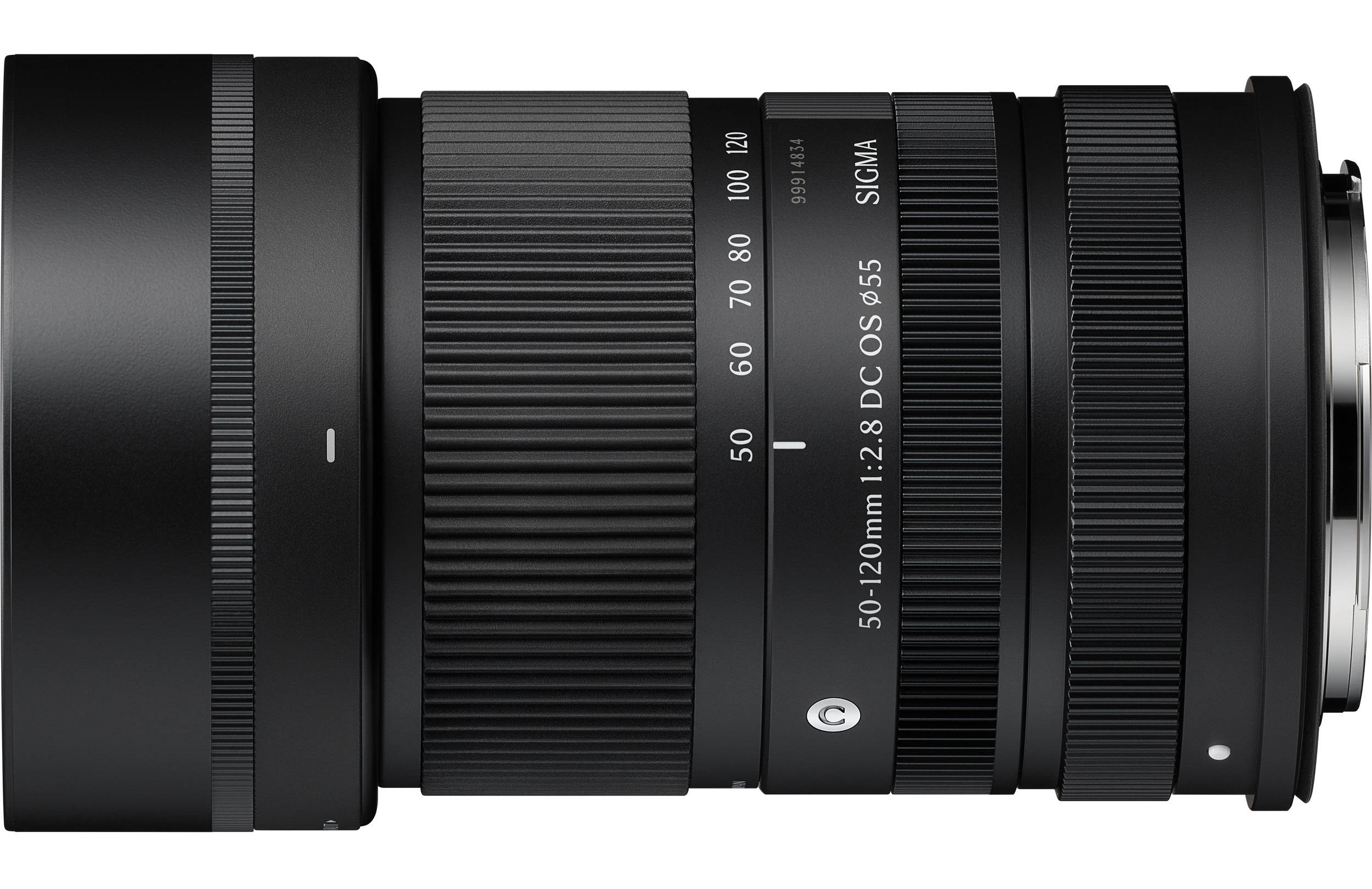
Hoods provide front element protection from bumps, fingers, and dust. Flare is also reduced by preventing stray light from striking the front lens element.
Sigma LH585-01 Bayonet Hood | Photo courtesy Sigma Corp.
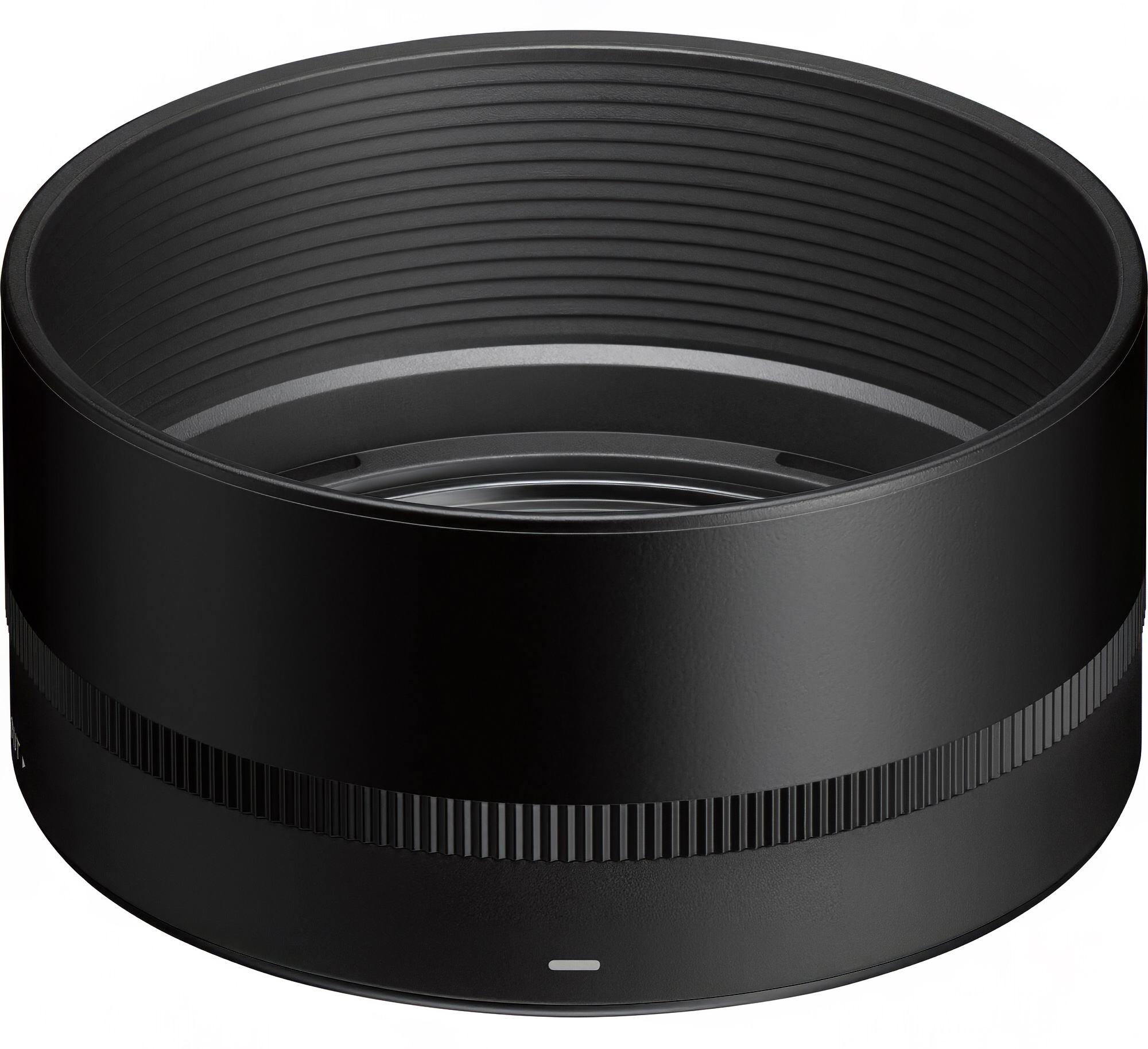
A bayonet hood, the LH585-01, ships with the lens. It takes some effort to twist it into the lock position. It ain't coming off even with a firm bump. Fit and finish are excellent: quality plastic, fingerprint-resistant matte black exterior, and flat black interior paint to nix reflections. Styling blends perfectly with the lens, imparting a near-seamless appearance.
The hood is a mere 35mm in depth—shallow for telephoto coverage. A deeper hood would more effective for flare busting. With that said, a deeper hood would cover the zoom ring when reverse-mounted. Luckily, this lens with mounted hood fits in my bags without reversing the hood. Indeed, it fits with the lens pointed downwards (vertical) even in my diminutive 6L Peak Design Everyday Sling.
 Firmware
Lens firmware updates may be installed using an SD card, USB, or Wi-Fi. I stuck to the tried-and-true: download firmware from Sigma's website and copy it to the root level of an SD card. Here are the update steps on the R7:
- Download firmware to my Mac and drag to the root level of the SD card.
- Insert the SD card and power on the camera with Sigma lens mounted.
- Open the TAB menu.
- Tap the
icon, open menu 2, and select “firmware” from the menu list.
- Press
SET and select “lens” from the list.
- Use the physical controls of the camera to start the firmware update (touchscreen disabled).
This method sure beats using the hockey puck USB dock!
 Musings
There has been much whoopee in the cybersphere over Sigma's holy trinity of APS-C zooms: the 10-18 2.8 DC DN, 18-50 2.8 DC DN, and 50-120 2.8 DC OS. Now the APS-C faithful can run with the big dogs and enjoy a similar zoom range, constant F2.8 aperture, and high image quality as their 15-35 2.8, 24-70 2.8, and 70-200 2.8 gripping full-frame brethren but, of course, without the aching back and crippling credit card debt.
Marin Pyramid | R7 & Sigma 50-120 2.8 DC OS at 50mm, F6.3, 1/320, ISO 100

Many of us don't actually need all three zooms. The 18-50 2.8 DC DN and 50-120 2.8 DC OS fill most of my landscape and wandering needs. I rarely need an ultra-wide lens.
For me, the 50-120 2.8 DC OS is the crowning glory of the trio. When I remove it from my R7, it is to chase critters and landscapes with the sharp and lightweight RF 100-400 5.6-8.0 IS USM. My holy trinity of zooms is the 18-50 2.8 DC DN, 50-120 2.8 DC OS, and RF 100-400 5.6-8.0 IS USM!
 Final Blurb
This is an astonishing optic, and I immensely enjoyed shooting with it. Yes, it is pricey, but it delivered vivid and sharp images in every situation I found myself in: urban jungles, rocky shorelines, tropical wind and rain, and twilight landscapes. I love the stealthy and compact size, F2.8 aperture, smooth and fast autofocus, weather resistance, and sharp optics. Finally, it's a looker and, combined with a R7, makes for a nimble and versatile combo.
Please support this site by purchasing this lens at Amazon.
 Features and Specs
- Focal Length: 50–120mm
- Maximum Aperture: f/2.8
- Aperture range: f/2.8 – f/22
- Angle of View: 30.0°-12.8°
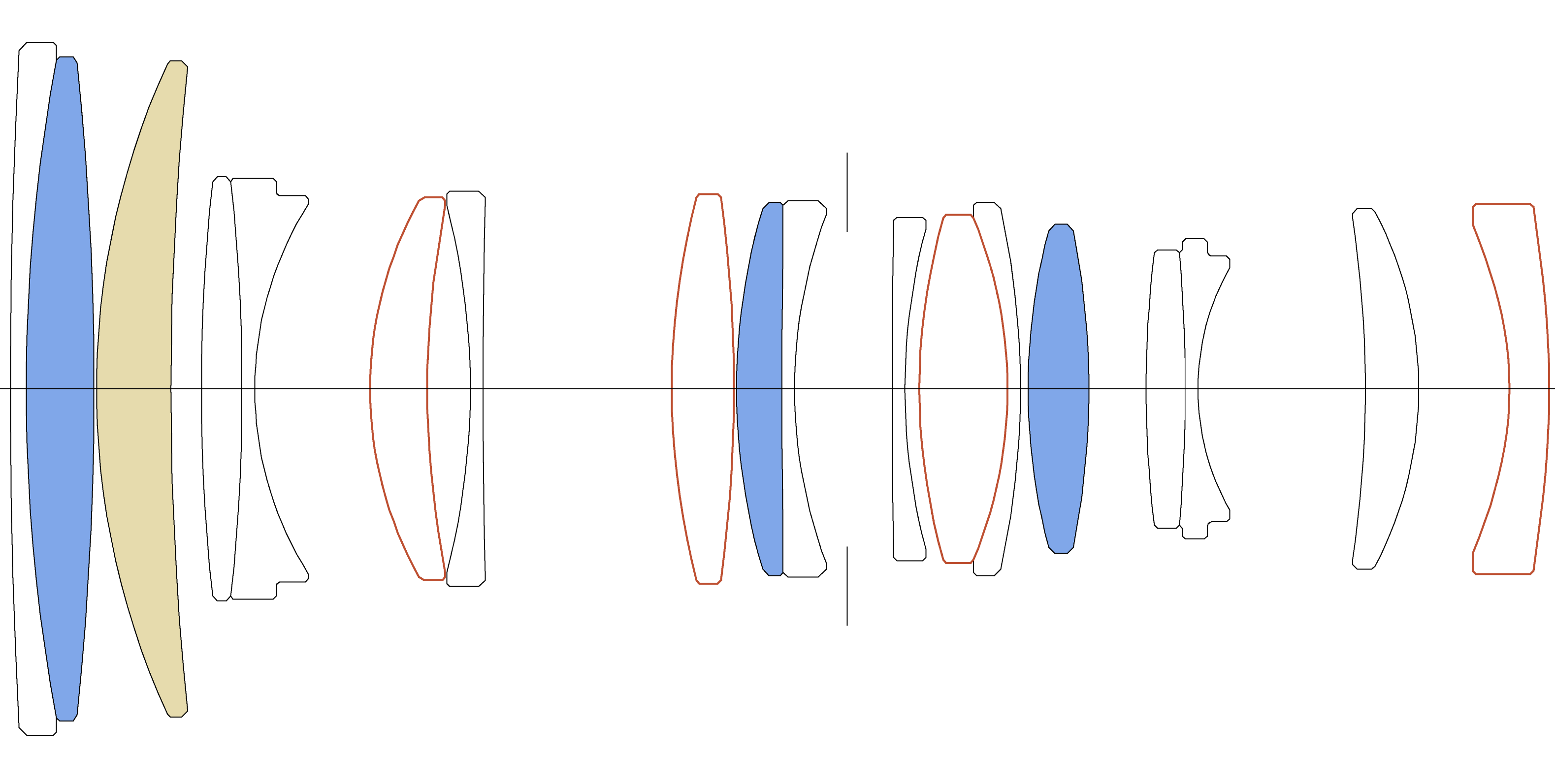
- Lens Construction: 18 elements in 13 groups (1 FLD, 3 SLD, 4 aspherical elements)
- Super Multi-Layer Coating
- Brass bayonet mount with rubber dust and splash resistant seals
- Filter Size: 55mm
- Native algorithms for AF, communication and in-camera aberration correction (i.e., not reverse engineered).
- Compatible with lens aberration correction in Lightroom, DPP4, etc.
- 11-blade rounded diaphragm
- Autofocus: Inner element focus with HLA, Sigma's proprietary linear motor.
- Minimum Focusing Distance: 23cm(W) - 55cm(T) / 9.1in.(W) - 21.7in.(T).
- Maximum Magnification: .1:3 or .33x at 50 and 1:4.7 or .21x at 120mm
- Mount: RF | APS-C coverage compatible with all R series cameras
- Accessories: lens hood LH585-01, front cap LCF-55mm IV, rear cap LCR III
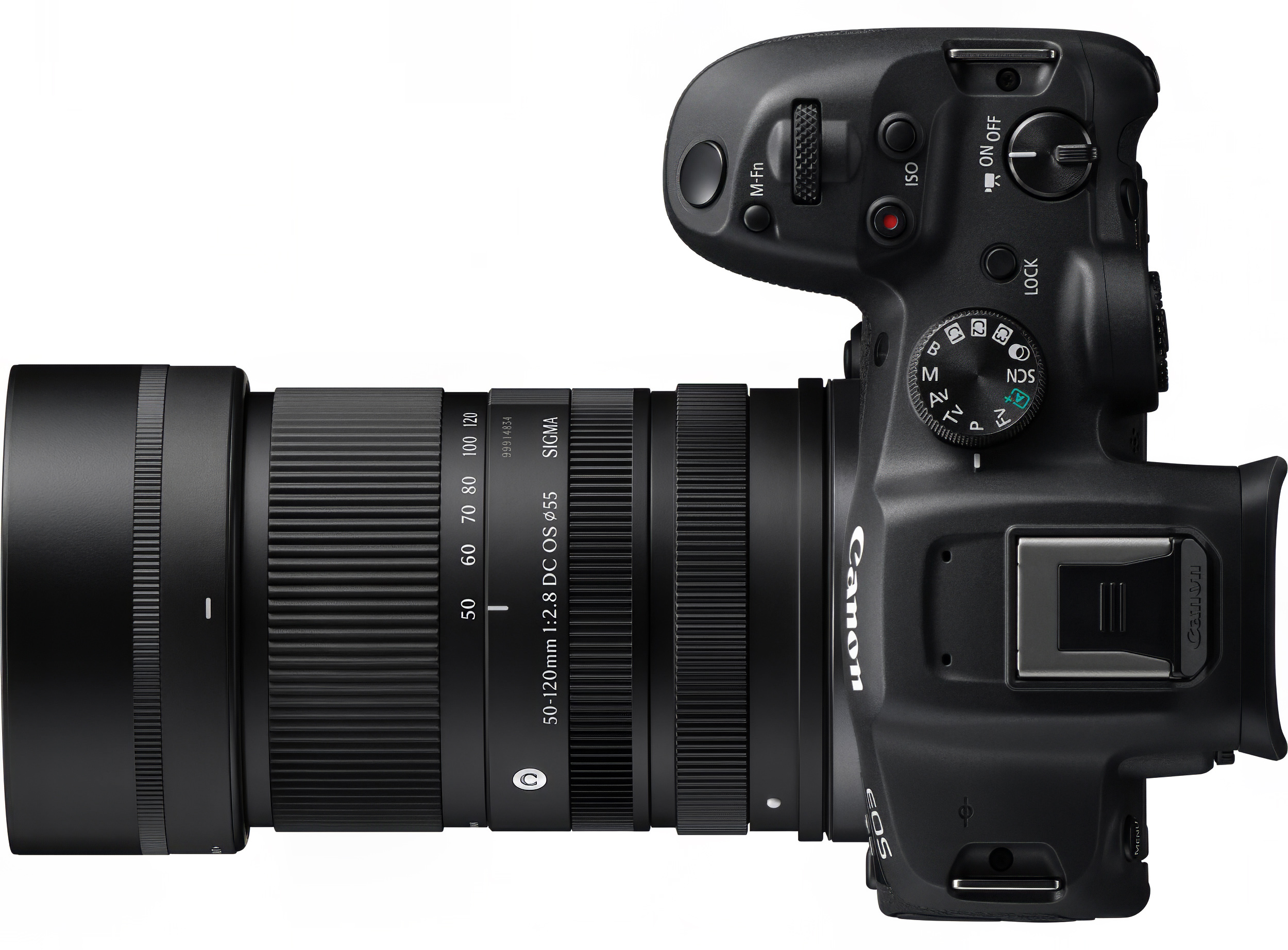
- Diameter x Length: 69.0mm x 97.0mm (2.7in. x 3.8in.)
- Weight: 410g (14.5oz.)
- Made in Japan
- $799 MAP (USA)
Source Materials


Sigma 50-120 2.8 DC OS Instructions. Sigma Corp.
This is the poorest manual I have read. Dad burn Tower of Babel on a PDF.
Created on Novemver 28, 2026
Sample Images
More images coming soon.

|
||

©Copyright 2026 by Peter Kun Frary | All Rights Reserved
•••••••••••••••••••••••••••••••••••